Get started
From an idea to a published video, with your team and your AI.
SolvePeak is where your videos are made: you write them, record them, edit them and publish them in one place, alone, with your team or with your AI.
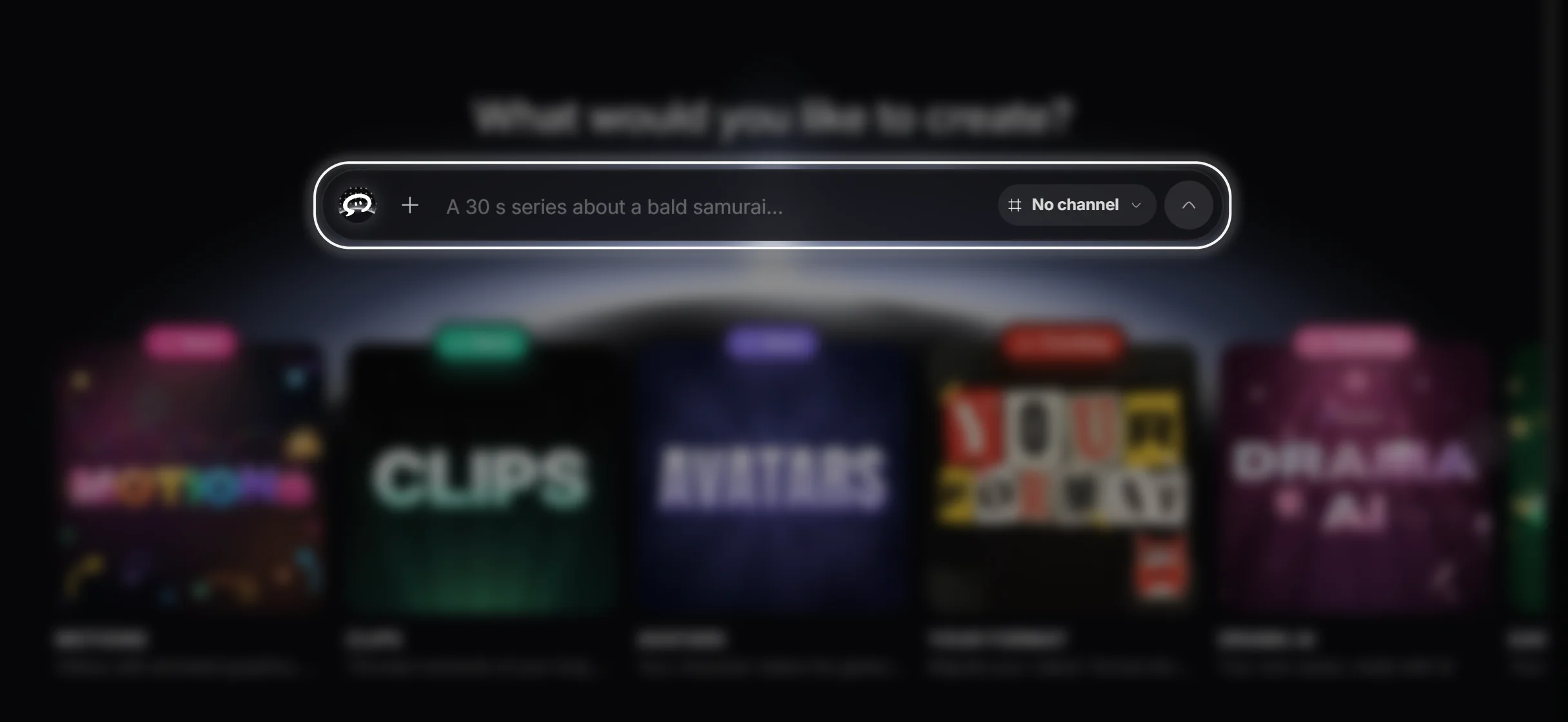
Chains
Every video, from the idea to the day it goes out.
Studios
Script, voice and editing, one after the other.
Connect your AI
Claude Code, Codex or Cursor working inside your videos.
Your first video
Create your organization
Your organization holds your channels, your team and your credits. Press your photo at the top right, open your organizations and choose New organization.
Add a channel
A channel is where your videos go out: YouTube, TikTok, Instagram or Facebook. Each channel has its own production chain, the steps every video goes through.
Create a task
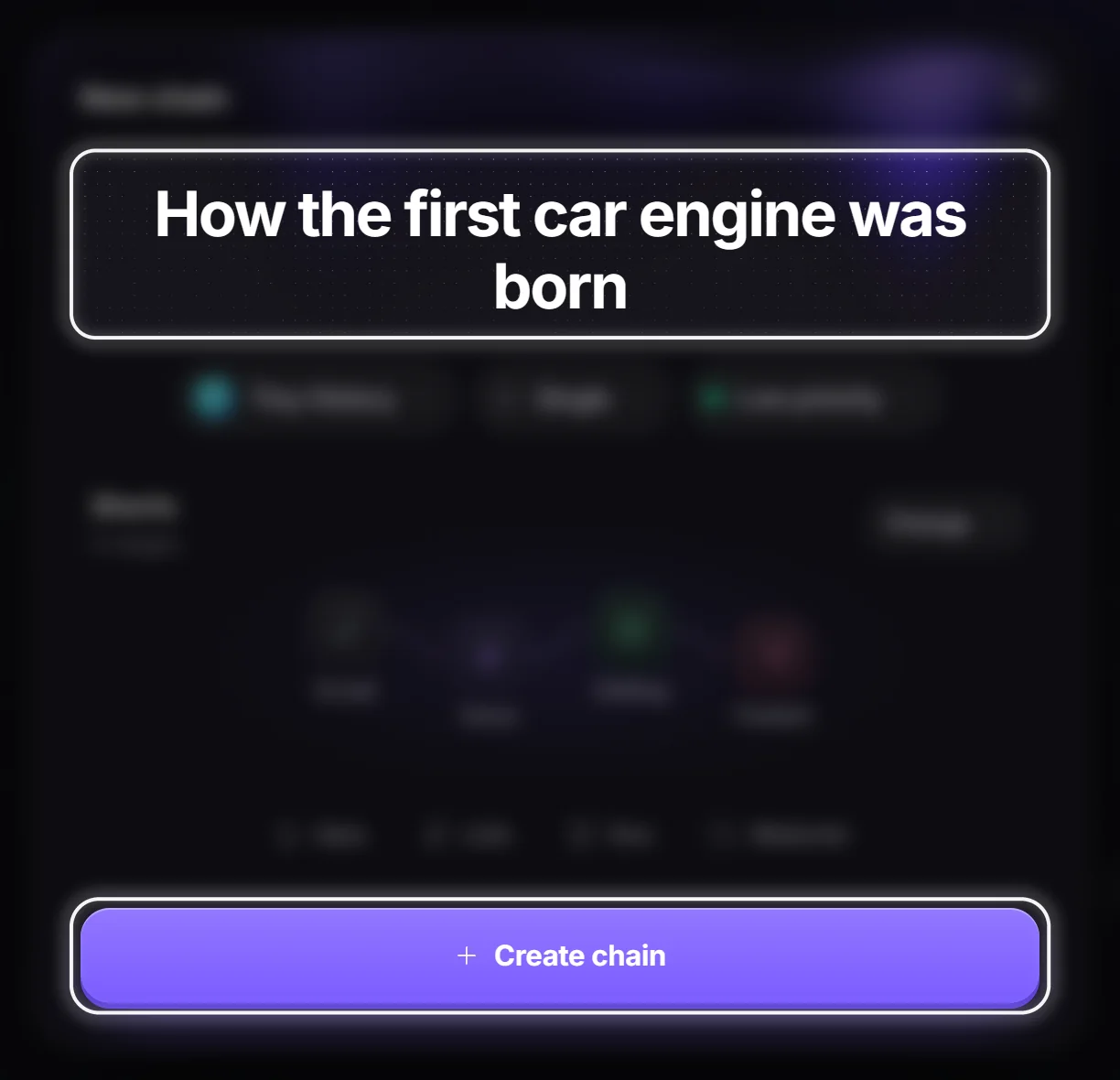
In Chains, press New chain and choose Chain. Give your video a title and pick its channel: its chain appears. Press Create chain and the task lands on the first step.
Write, record and edit
Open the task and go through the three studios: Script, Voice and Editing.
Publish
When the video is rendered, schedule it on the channel's networks from the same task.
Who does each step
Each step of a chain can be done by you, by someone on your team, by an AI agent or by a creator from the Market.