Chains
Every video of every channel, at the step it is at.
A task is one video. A chain is the road it travels: the steps a channel's videos go through, from the script to the day it goes out. In Chains you see every task of your organization at its step.
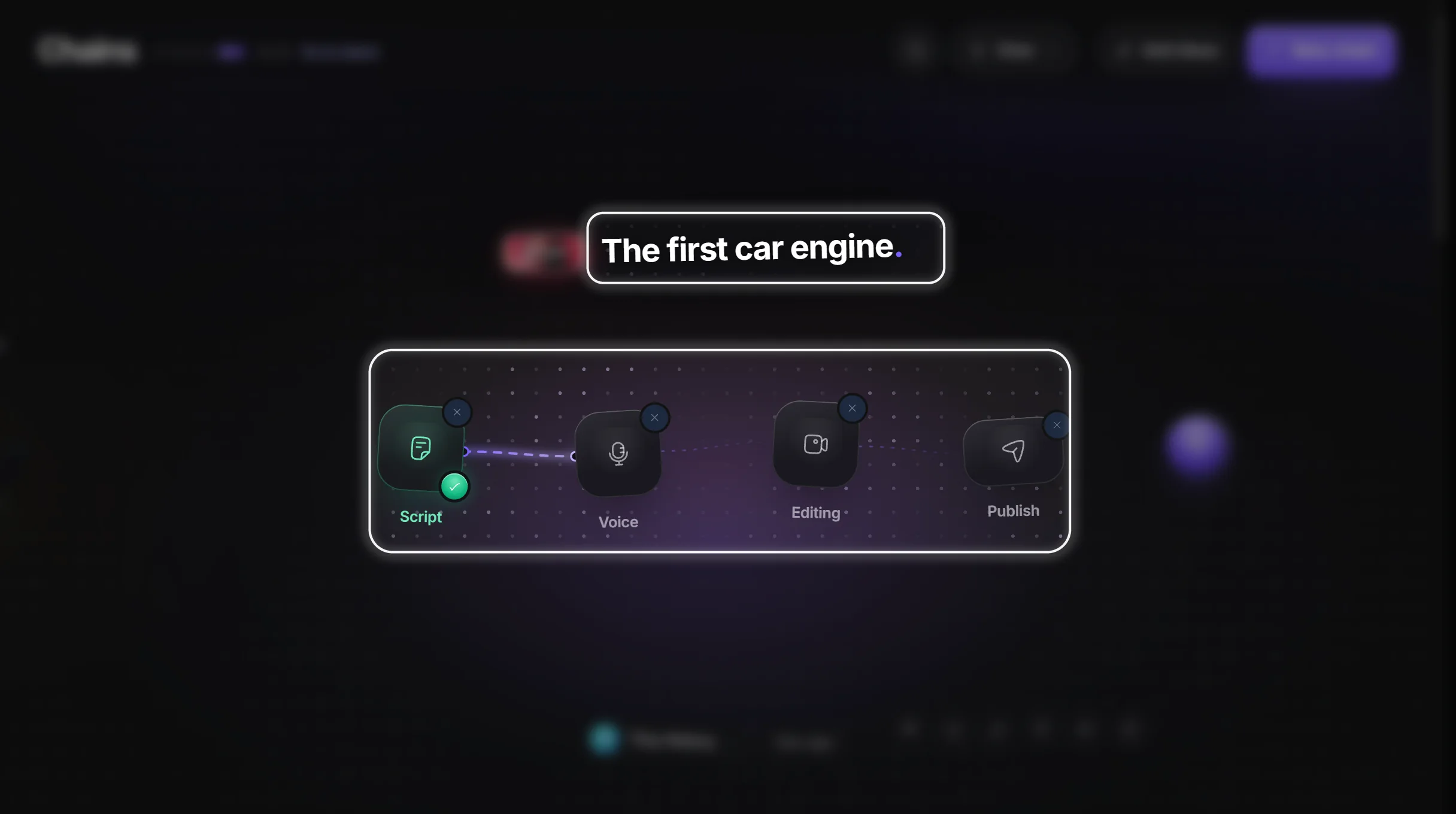
The steps of a chain
Each channel decides its own steps. The usual ones:
| Step | What happens |
|---|---|
| Script | The words of the video are written. |
| Voice | The script is recorded, by a person or with an AI voice. |
| Editing | The recording becomes the video. |
| Thumbnail | The cover is made. |
| Publish | The video is scheduled on the channel's networks. |
A chain can also have Motion, Clips, Captions or Product steps when the channel needs them.
Who does each step
Every step has someone in charge:
- You
- Your team: someone in your organization.
- AI: an agent from Your agents, such as a writer, a voice or an editor.
- Market: a creator who takes the work and gets paid for it.
When a step is finished, the task moves on to the next one by itself.
Create a task
Press New chain and choose Chain.
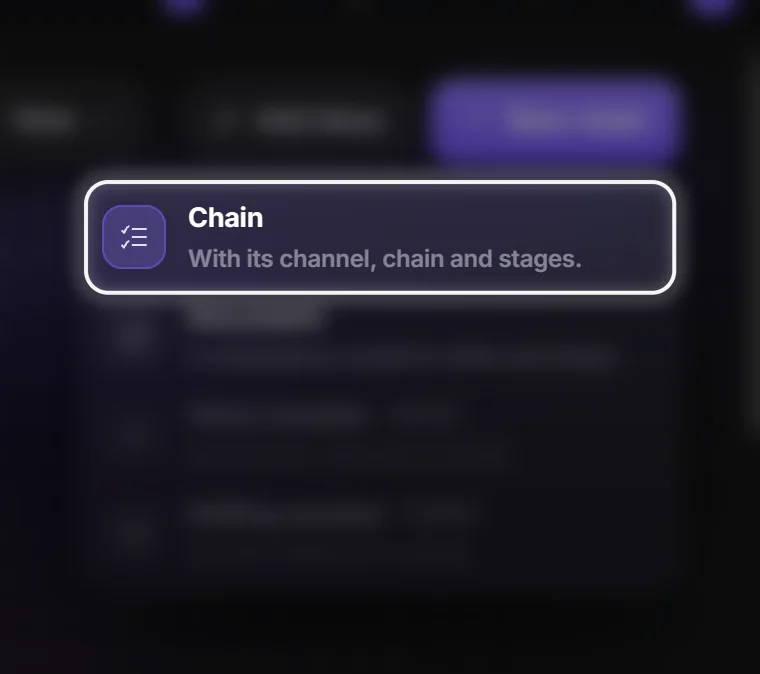
Write the title of the video and pick its channel: its chain appears below. Choose whether it is Single or in parts and its priority, and attach an Idea, a Link, a Doc or Material if you have them.
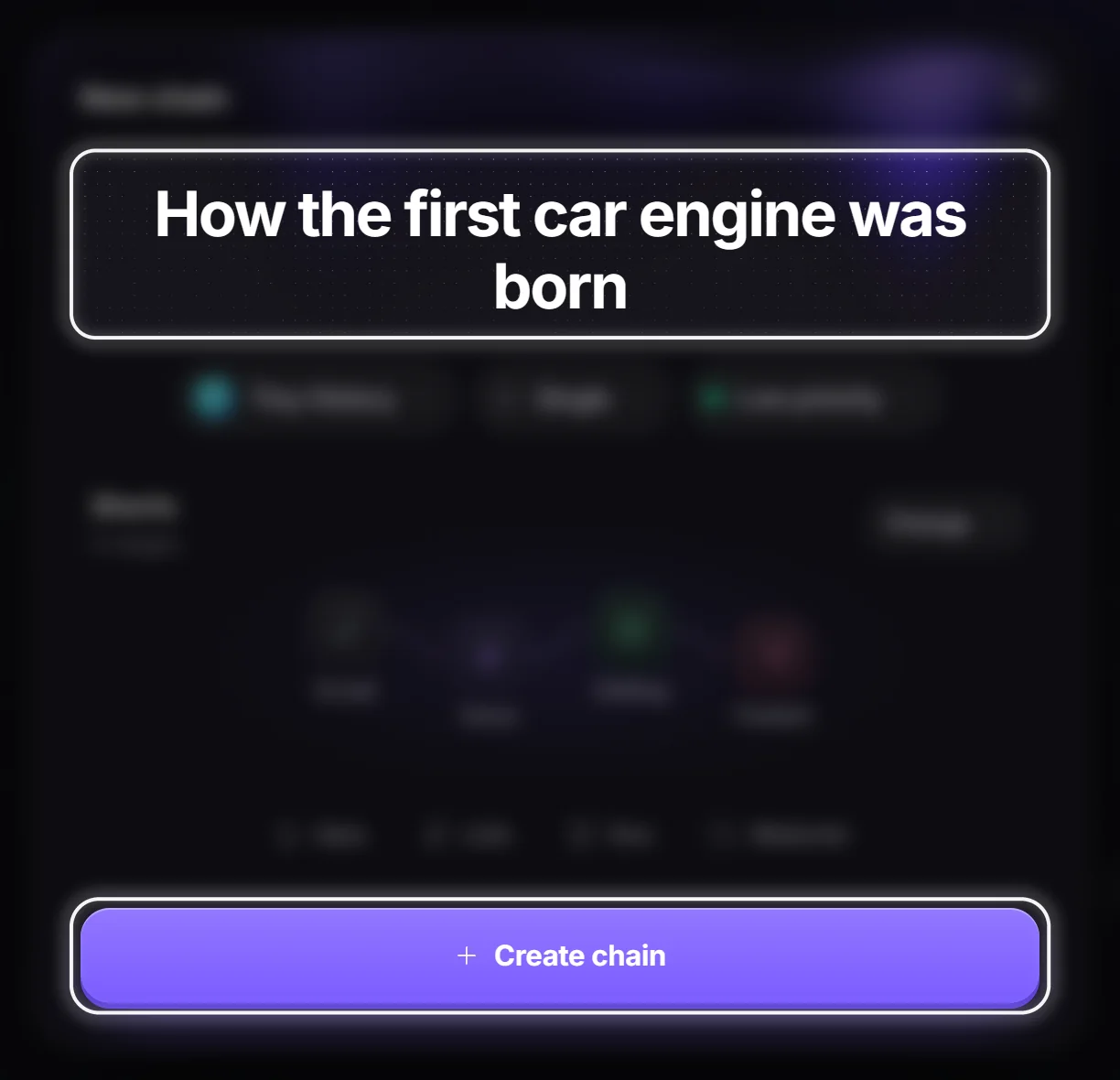
Press Create chain. The task appears at the first step: open it to start.
Views
Change them from View.
- Galaxy: one task at a time, with its chain and the step it is at. The arrows take you to the next one.
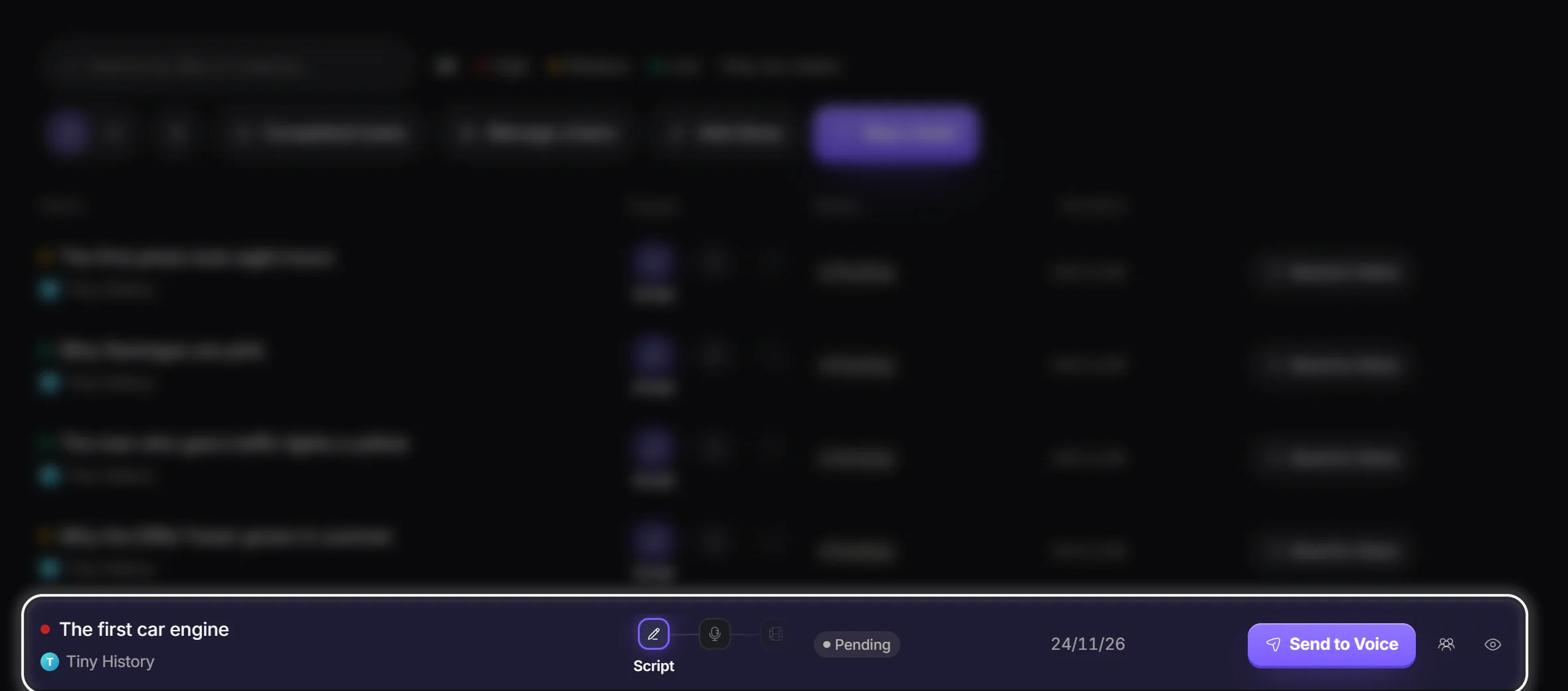
- List: every task in rows, with its stages, its status and the button that sends it to the next step.
- Only my chains keeps the ones where you have something to do.
- Completed tasks finds any finished video by title, channel, person or script.