Studios
Script, Voice and Editing, the three rooms where a video is made.
When you open a task you arrive at its studios. The three share the same bar at the top, with one tab for each part of the task, and the same dock at the bottom, with the studio switch in the middle.
Script
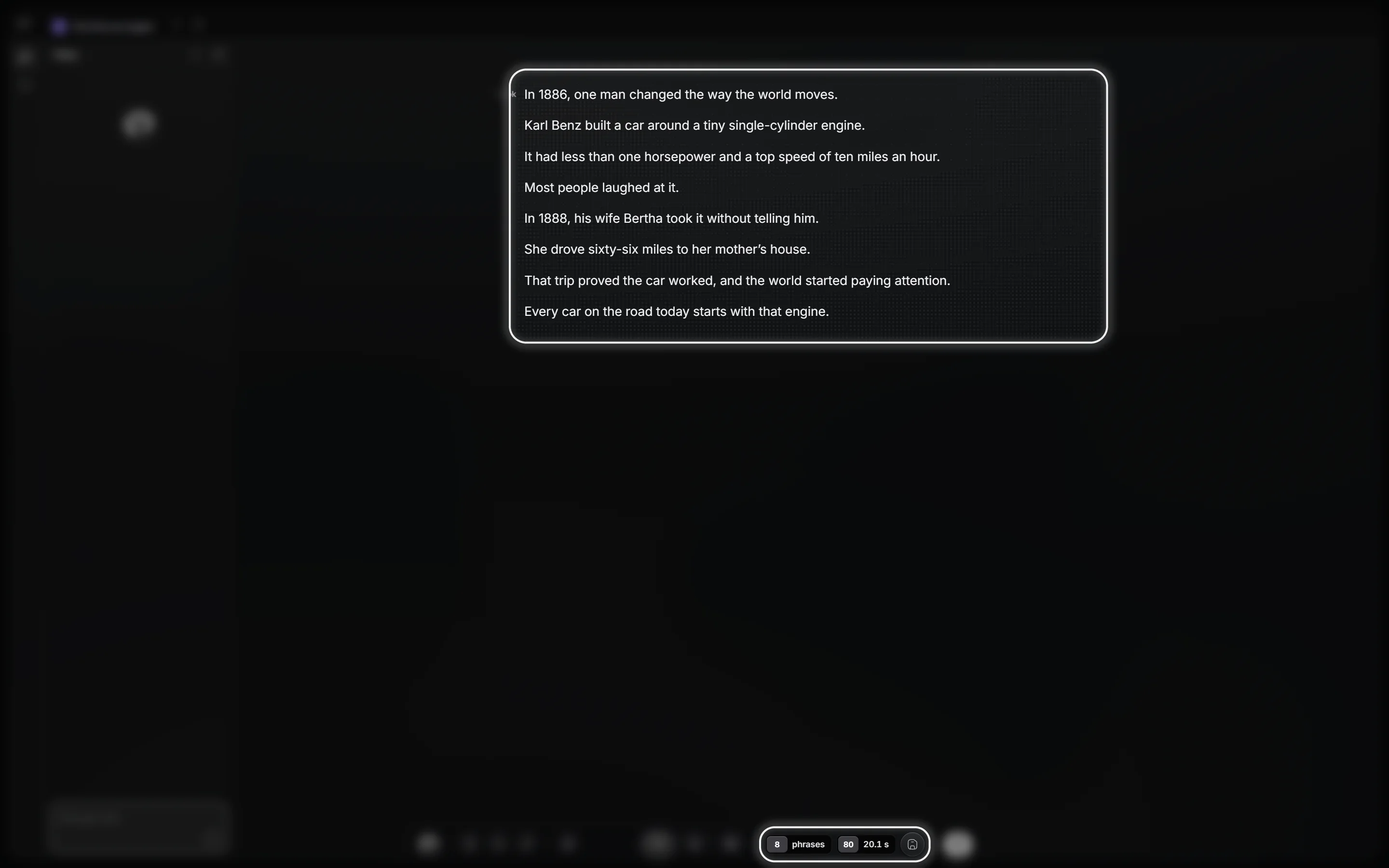
A single sheet. Every Enter starts a new phrase: each phrase is one moment of the video, and the rest of the studios work phrase by phrase. The dock counts the phrases, the words and how long it will last.
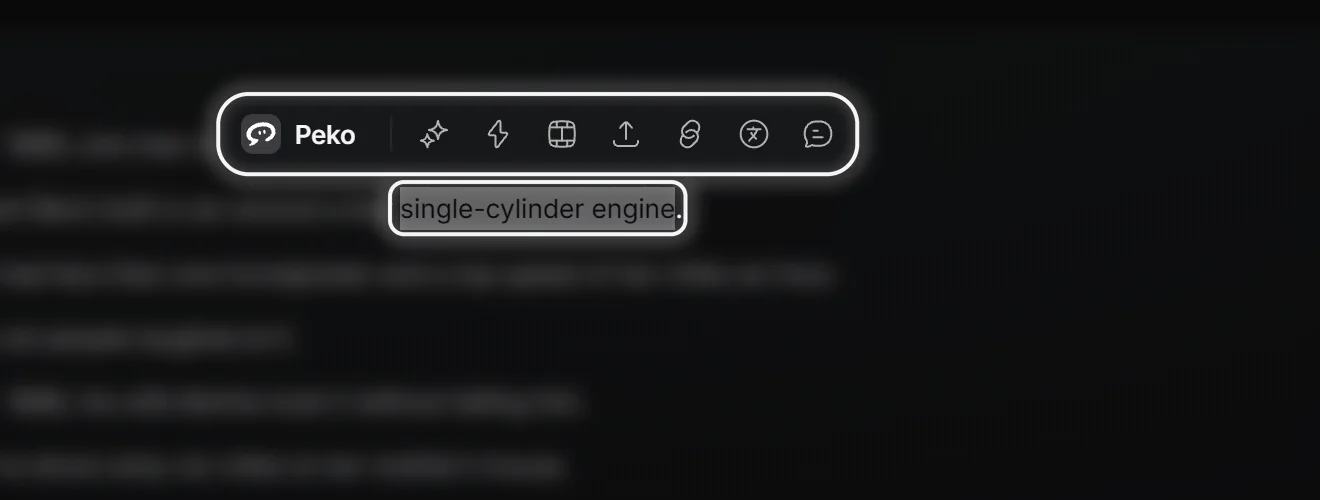
- Select words and the bar appears: ask Peko, add an effect or a footage, a link, how it is pronounced or a note.
- Your AI is on the left. It knows the task and the phrase you are on, and shows you the change before applying it.
- If the task brings links or reference videos, they show on the right.
- The history keeps every version and who wrote it.
Voice
Record the script phrase by phrase, or all of it at once.
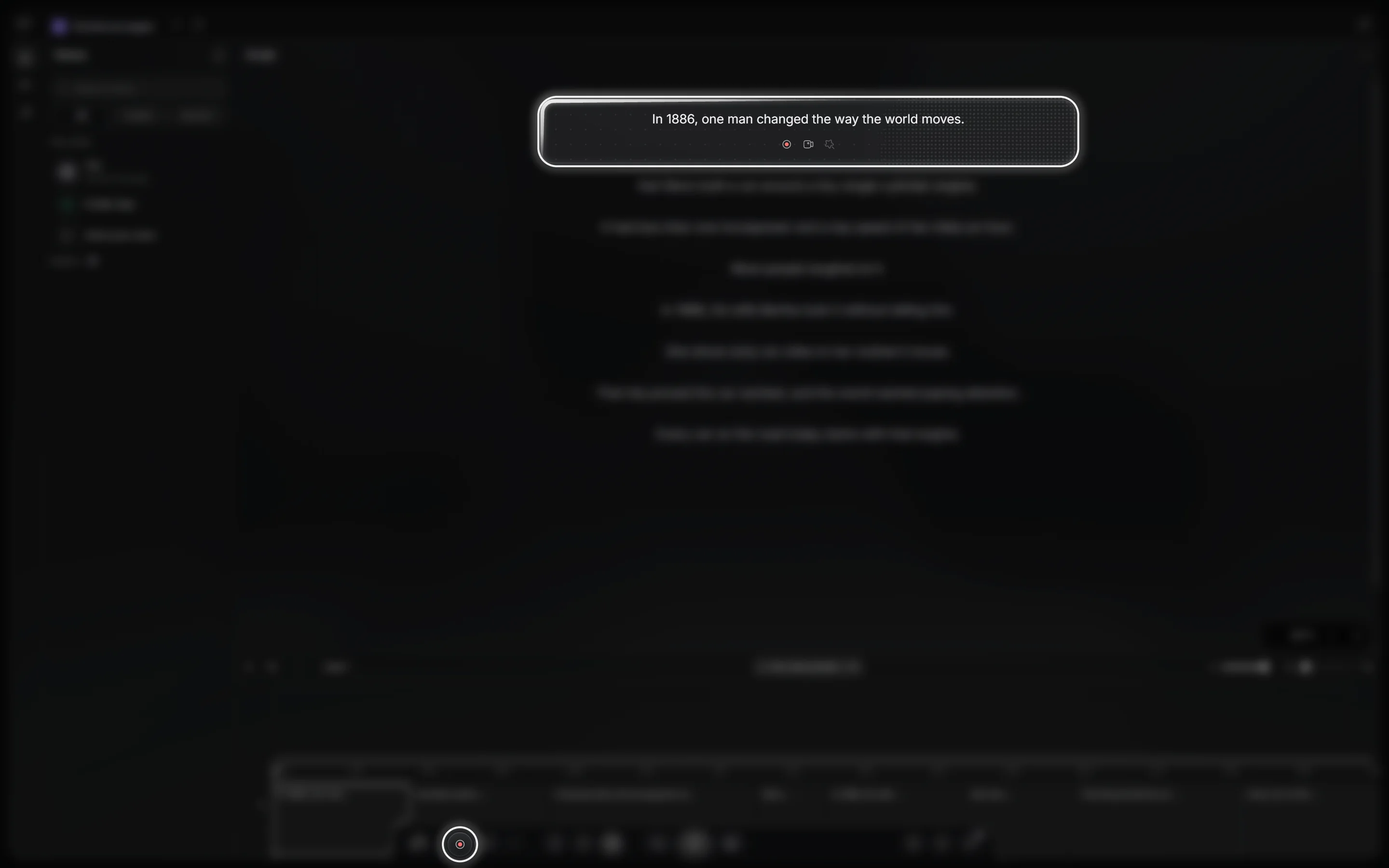
Choose a phrase, record it and listen to it. Redo only the ones you do not like. Record all goes through them one after another.
- With Stop when you go quiet on, the recording ends by itself after a pause.
- Record on your phone: the script becomes a teleprompter next to the camera.
- No one to record? Pick an AI voice from the library on the left, or press Narrate this line with AI.
Editing
The script stays in the middle, with the clips, music and effects of each phrase next to it. Around it: the library on the left, the preview on the right and the timeline at the bottom.
- A template gives the video its look: layouts, captions, transitions and music.
- Fill with AI finds a clip for every empty slot and shows its progress phrase by phrase.
- When it is ready, Render it and Deliver it. The task moves on to its next step.